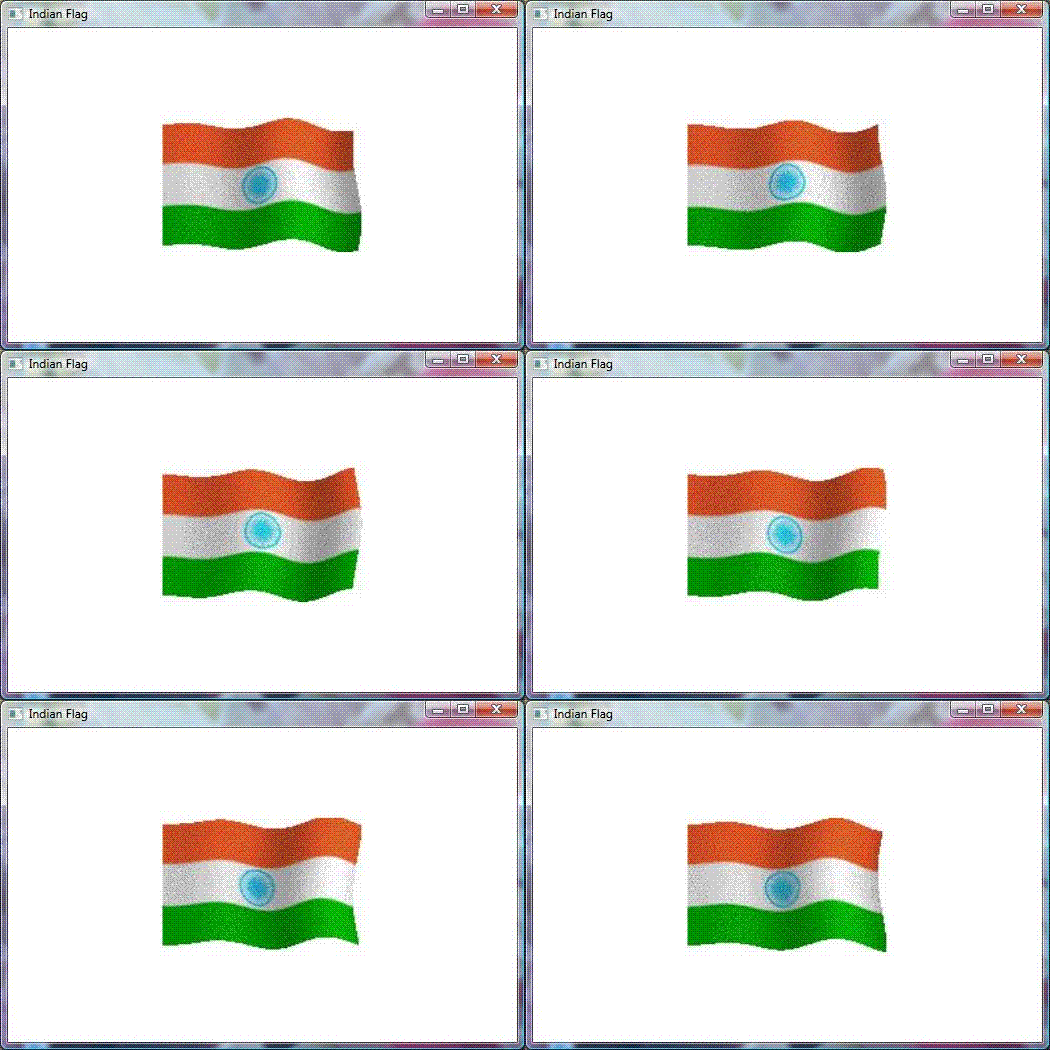
Introduction to Article
Animation in WPF has been made easier because WPF achieves animation by modifying properties of elements, whereas in Windows Forms, a developer has to create a timer and modify the appearance of elements on the tick event of a timer. WPF uses its own timing system which can be written using managed code and XAML. The internal work of redrawing the screen is handled efficiently by WPF. While animating using WPF, you just need to focus on the effects you want to create without bothering about how to achieve those effects.
Animation using Storyboards in WPF - CodeProject®
This blog will hold favorite gadgets and graphic user interfaces that don't really fit in my main blog @ mmcelhaney.blogspot.com
Showing posts with label XAML. Show all posts
Wednesday, April 11, 2012
Friday, August 19, 2011
Forcing validation for required fields in Silverlight - CodeProject
The common practice in Silverlight, when using MVVM, is to validate user data via the bound property setter in the view model. Although this works well for most circumstances, it doesn't work when the user doesn't make a change to data and instead clicks on a button. For example, imagine a form that prompts the user for his/her name, which must not be blank, and then click a Next button. If the user just clicks the Next button without typing anything in the Name field, the validation via the bound property setter is never executed.
One way to address this is to repeat the validation in the view model when the user clicks Next. The issue with this is how to display the error message to the user in a way that is consistent (e.g. shown in aValidationSummaryand red tool tip, with any other error).
Forcing validation for required fields in Silverlight - CodeProject
Related articles
- Silverlight TV 74: What's New in RIA Services (channel9.msdn.com)
- Silverlight for Windows Phone (Mango) Toolkit is now available (windowsphoneguy.wordpress.com)
- User Experience Guidelines for Windows Phone (devx.com)
Thursday, August 11, 2011
MathConverter - How to Do Math in XAML - CodeProject
When working with my XAML files, periodically I run into a need of doing some simple calculations directly in XAML. For instance, what if I want this width to be exactly to thirds of that width, or what if rotation angle is a certain multiple of a particular value? This problem may be solved in a number of ways. Widths are usually better addressed via margins, paddings, or grids. At other times I put calculations into a view model. At some other times I create a special binding converter that would do the arithmetic for me.
MathConverter - How to Do Math in XAML - CodeProject
Saturday, April 16, 2011
NetworkView: A WPF custom control for visualizing and editing networks, graphs and flow-charts - CodeProject
Introduction to the article
NetworkView: A WPF custom control for visualizing and editing networks, graphs and flow-charts - CodeProject
I am going to assume that you already know C# and have at least a basic knowledge of using WPF and XAML. An understanding of MVVM, WPF styles, control templates and data-templates will also help, although I'll do my best to fill in some of the details along the way and provide links to learning resources.
Josh Smith's Guided Tour of WPF and Sacha Barber's WPF: A Beginner's Guide are a good place to start if you want a WPF primer. Christian Mosers WPF Tutorial.net is full of interesting snippets of WPF information and has some great diagrams that can help explain WPF concepts.
Josh Smith also has an article on MVVM and if you already know a bit of WPF and MVVM I can recommend reading Gary Hall's book, I just read it and found that it has helped progress my MVVM knowledge and experience.
NetworkView: A WPF custom control for visualizing and editing networks, graphs and flow-charts - CodeProject
Sunday, March 6, 2011
WPF/MVVM Quick Start Tutorial - CodeProject
Introduction to Article
WPF/MVVM Quick Start Tutorial - CodeProject
Assuming that you have a decent understanding of C++ and a modest understanding of C#, getting started in WPF shouldn't be too difficult. I started looking at WPF 6 months ago, and after probably causing a spike in Google's searches, I finally started to understand and become productive with WPF (whether I've missed the boat on this one, is another story for another day).
As with learning any new technology, you get the benefit of hindsight. From my perspective, almost every tutorial on WPF I've come across is inadequate for one of several reasons:
So to address this, I've written this based on what I would have liked to have found as the #1 hit on Google after typing 'WPF Tutorial'. This article may not be 100% correct, or even do things 'the one true way', but it will illustrate the main points that I wish I had found in one place 6 months ago.
- the example is all in WPF
- the example glosses over the key facts that would actually make your life easier.
- the example tries to show off WPF's capabilities with lots of pointless effects that aren't helping you.
- the example uses classes that have properties that appear far too similar to framework keywords and classes, and are therefore difficult to idenfity in the (XAML) code as being user defined (ListBox GroupStyle's Name is a complete headache for novices).
I will quickly introduce some topics, then show an example that explains or demonstrates each point. Accordingly, I haven't really attempted to make the GUIs pretty, that's not the point of this article (see the bullet points above).
As this tutorial is quite long, I've elided quite a lot of code for brevity, so please download the attached zip file, and look at the examples (.Net 4.0/VS2010). Each example builds on the previous one.
WPF/MVVM Quick Start Tutorial - CodeProject
Related articles
- Demystifying WPF XML namespaces (wpfszc.wordpress.com)
- An excellent presentation on MVVM by Laurent Bignon (arivillaca.wordpress.com)
Tuesday, November 9, 2010
How To Make A Walking Robot In WPF -- Part 3: Emissive Materials, Polygons, And Storyboards - CodeProject
Intro
This series of articles contains advice about how to model and animate shapes to create a simple character in WPF using C# code. There is a minimum of XAML involved in the example. Instead, C# classes are included which create the basic shape classes, and the model is constructed by building upon those shapes.How To Make A Walking Robot In WPF -- Part 3: Emissive Materials, Polygons, And Storyboards - CodeProject
In the first two articles, we talked about basic shapes like triangles, rectangles, circles and cylinders. We also talked about back materials and about flat shading and smooth shading. We also covered some simple rotation transforms and animated rotations.
In this final article, we will add some other shapes we need to make our robot, and show how the kind of simple rotation transforms we saw before can be used to animate the arms and legs of our robot. We will also cover storyboards and emissive materials.
Related articles
- Announcing: Microsoft Ribbon for WPF RTW - Pete Brown's 10rem.net (10rem.net)
- Change WPF DataGrid Row Color on Mouse Over (mt-soft.com.ar)
- Visual Studio Extensions Made Easy(er) (devx.com)
- Review: iStoryboards for iPhone (macworld.com)
- WPF Window "Native" Behavior: Metro Window (huddledmasses.org)
Subscribe to:
Posts (Atom)

